Sponsored

General Conference


How we serve

Respond & Give

Community Care Fellowship brings hope, love
Celebrate 40 years of a ministry that walks alongside housing insecure individuals and families.
Subscription & Podcast

Sponsored
Find responses to frequently asked queries or Ask The UMC your question.

YOU offer hope
Your generosity on Native American Ministries Sunday works to create a new history - one that respects the culture and loves God.
The Special Sunday offering allows us to collaborate with CONAM ministries, create programs and resources, educate more around Native ministries and support seminary scholarships for United Methodist Native Americans.
Half of collections stay with local ministries in each conference and the other half supports the work of Native American United Methodist ministries nationally.
Visit UMC.org/SSGive to give to Special Sundays. Check out resources.
Featured stories
Ways we grow


We are The UMC

Ask The UMC

Rethink Church

God's love in action

GC2020 is April 23-May 3, 2024

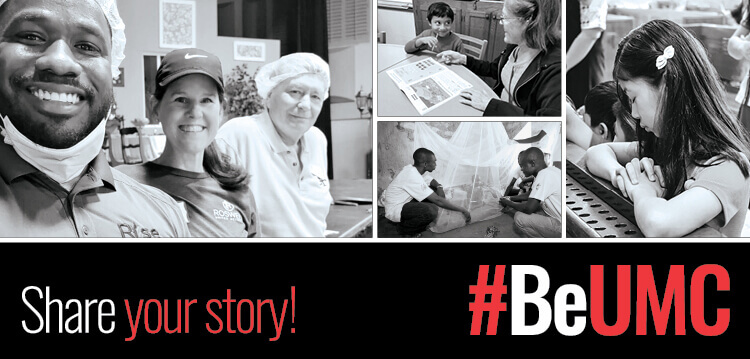
Share your story

Who we are
Sponsored
The Recap | Pre-General Conference episode
Gain a better understanding of what is going on in The United Methodist Church, find inspiration in stories of ministry and learn how our denomination is transforming the world.
In this episode
Special General Conference episode: Overview | Key legislation | Celebrations | Historic election of Bishop Tracy Smith Malone | Ways to stay informed
Sponsored
UMNEWS.ORG
General Conference


Sponsored


